Share TIFF Images Online for Free
Share TIF, TIFF files online with ShareOtter. Instant links, password protection, and expiry control. No account, no hassle.
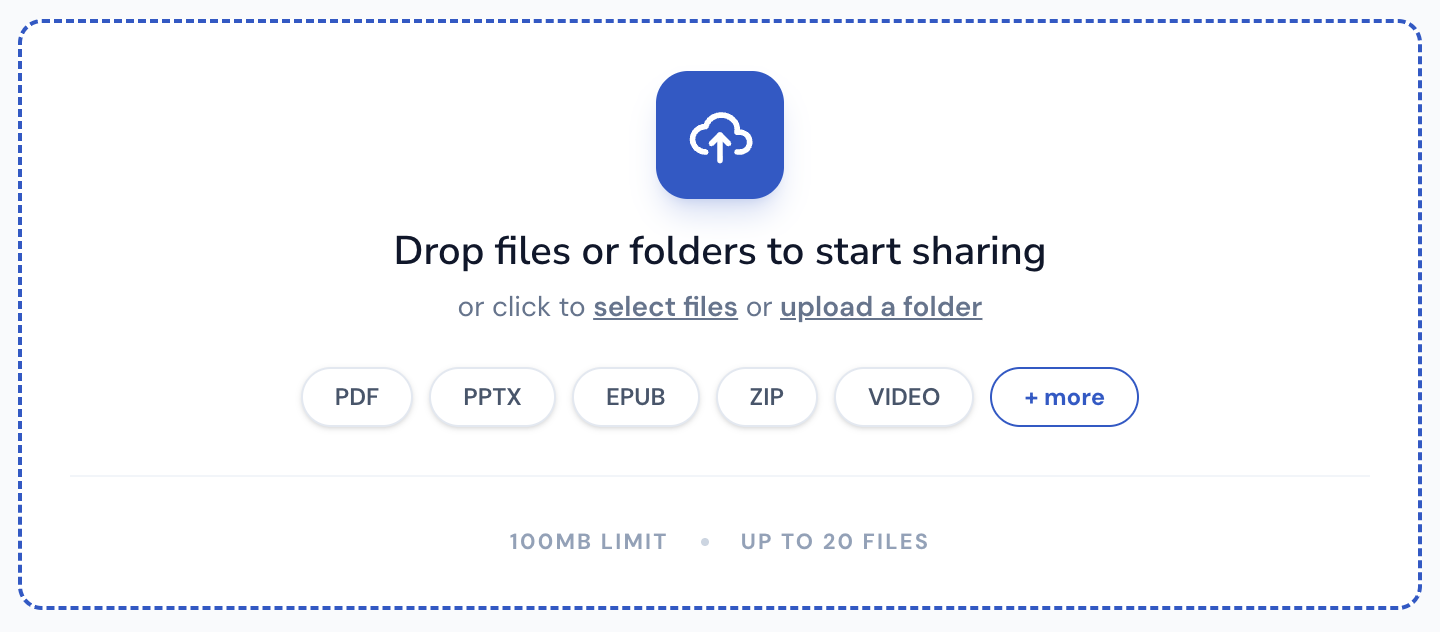
Drop files or folders to start sharing
or click to select files or upload a folder
Supported File Types
ShareOtter supports almost everything you throw at it.
Images
Audio
Video
Font
Document
eBooks
Presentation
Code
Spreadsheets
CAD
What is a tif file?
TIFF stands for Tagged Image File Format. Aldus Corporation developed it in the mid-1980s specifically for desktop publishing and scanning workflows. Adobe acquired Aldus later and has maintained the format ever since. Nearly forty years on, TIFF is still the format professional imaging reaches for when quality is non-negotiable.
The core principle is lossless compression. Nothing gets discarded when you save a TIFF. Every pixel, every detail, preserved exactly as captured. That’s why photographers use TIFF as an archival format, why print designers work in TIFF for press-ready graphics, and why scientific and medical imaging relies on it for documents where accuracy isn’t optional.
TIFF is also flexible in ways most formats aren’t. It supports high bit depths for richer color data. Multiple pages in a single file. Transparent layers. CMYK color spaces for print work. You can even store multiple smaller JPEGs inside a single TIFF as a container. It’s a format built to handle complex imaging requirements, not just simple photo storage.
The tradeoff is size. Lossless compression at high bit depths produces large files. A single high-resolution TIFF from a professional camera or scanner can run into hundreds of megabytes. Emailing one is impractical. Opening one on a device without dedicated image software can be slow or fail outright. Even some applications that claim TIFF support struggle with multi-page files or unusual bit depths.
ShareOtter renders TIFF and TIF files cleanly in the browser. Share your high-resolution images and recipients can zoom in, review color details, and inspect the graphics on any device without specialist software or lengthy load times.
Applications that open .tif files
If you prefer to view these files offline on your computer or mobile device, the following software tools are recommended:
How to Share tif Images Online
Three steps. No account, no software, no waiting around.
Select or Drop your File
Drag your TIF into the upload box above, or click to browse. Either way works.
Let it upload
Watch the progress bar. Most TIF files are done in a few seconds. Bigger files can take a little longer.

Copy your link
Done. Grab the link and send it anywhere. Slack, email, text, WhatsApp wherever your file needs to go.

Everything You Need to Share Files, Nothing You Don't
Sharing a file shouldn't mean losing control of it the moment you hit upload.

Instant Shareable Link
Upload once, get a link instantly. No waiting on emails to send, no attachment size limits bouncing your file back — just a clean URL you can paste anywhere, ready the second your upload finishes.
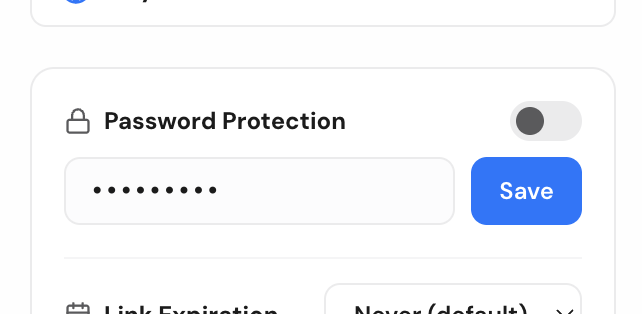
Password Protection
Lock any file behind a password before sharing. Only people with both the link and the password can open it, so sensitive files stay sensitive even if the link ends up somewhere you didn't intend.

Link Expiry Control
Set a link to expire after a day, a week, or whatever window makes sense. Once it's gone, it's gone — no stale links floating around in old emails months later.

Comments for Feedback
Let people comment directly on the file instead of replying in a separate email thread. Feedback stays attached to exactly what it's about, so nothing gets lost translating between a file and a conversation.

Email-Gated Access
Restrict a file to specific people by email. They'll get a magic link to sign in and view it — no password to share, no guessing who actually opened your file.

No Signup Required
Share a file in seconds without creating an account. Drop it, get your link, send it — sign up later only if you want to manage files long-term.