Share RTF Rich Text Documents Online for Free
Share RTF files online with ShareOtter. Instant links, password protection, and expiry control. No account, no hassle.
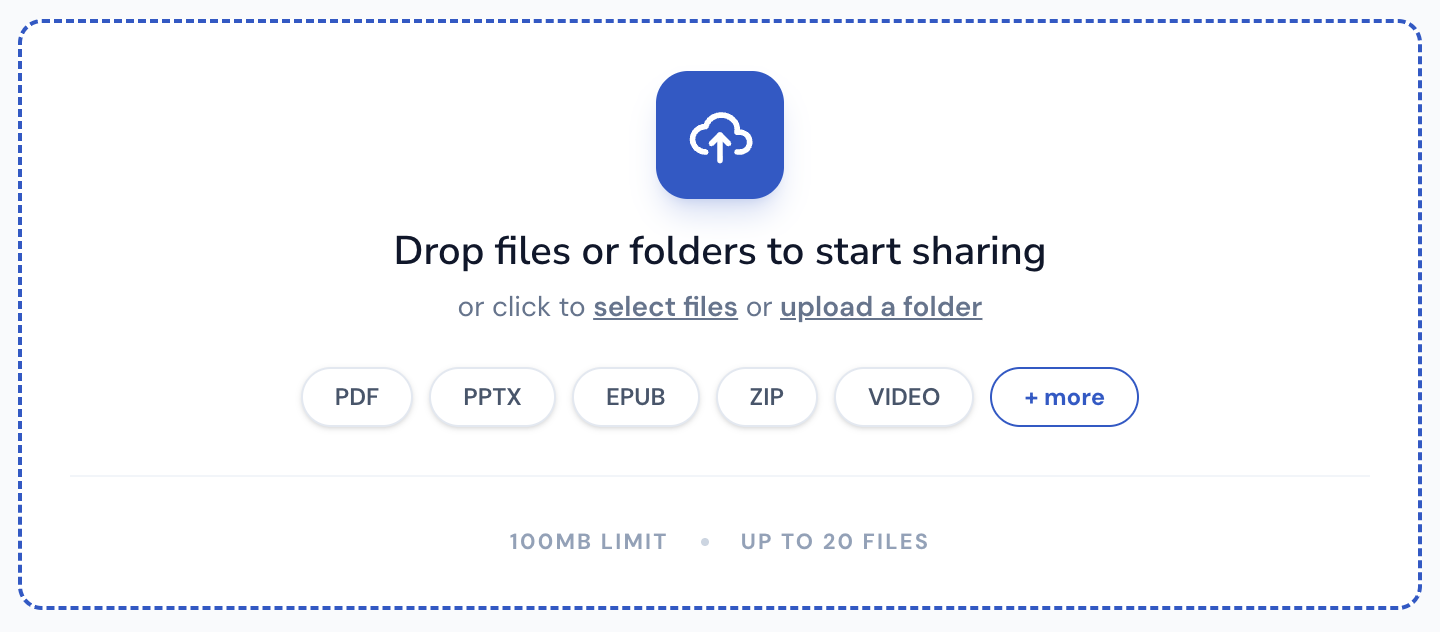
Drop files or folders to start sharing
or click to select files or upload a folder
Supported File Types
ShareOtter supports almost everything you throw at it.
Images
Audio
Video
Font
Document
eBooks
Presentation
Code
Spreadsheets
CAD
What is a rtf file?
RTF stands for Rich Text Format. Microsoft created it in the 1980s as a universal document format that could move between different word processors and operating systems without losing its formatting. That cross-platform portability was the whole point from day one.
The format sits between plain text and a full word processing format like DOCX. Plain text gives you words and nothing else. RTF adds the formatting layer on top. Font styles, sizes, colors, bold, italic, underline, basic images. Enough to make a document readable and presentable without the complexity of a full proprietary format underneath.
Microsoft built RTF as the default format for Windows WordPad, which is why virtually every word processor on every platform has always been able to open RTF files. It became the lowest common denominator for document sharing before the web made everything easier. Publishing workflows used RTF for rough drafts and editorial passes before importing into layout software for final production. Legal and medical industries used it for the same cross-system compatibility reason WordPerfect thrived in those environments.
Microsoft published the final version of the RTF specification in 2008 and stopped developing it. No new features, no updates. But the format didn’t disappear because discontinuing development of a universally supported standard doesn’t make existing files stop working. RTF is still readable on virtually every operating system and word processor in active use today, which is a remarkable lifespan for a format that stopped evolving seventeen years ago.
ShareOtter renders RTF files in the browser so anyone can view the document with its formatting intact, no word processor required.
Applications that open .rtf files
If you prefer to view these files offline on your computer or mobile device, the following software tools are recommended:
How to Share rtf Documents Online
Three steps. No account, no software, no waiting around.
Select or Drop your File
Drag your RTF into the upload box above, or click to browse. Either way works.
Let it upload
Watch the progress bar. Most RTF files are done in a few seconds. Bigger files can take a little longer.

Copy your link
Done. Grab the link and send it anywhere. Slack, email, text, WhatsApp wherever your file needs to go.

Everything You Need to Share Files, Nothing You Don't
Sharing a file shouldn't mean losing control of it the moment you hit upload.

Instant Shareable Link
Upload once, get a link instantly. No waiting on emails to send, no attachment size limits bouncing your file back — just a clean URL you can paste anywhere, ready the second your upload finishes.
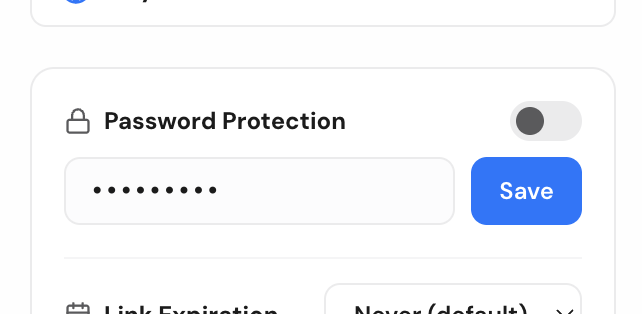
Password Protection
Lock any file behind a password before sharing. Only people with both the link and the password can open it, so sensitive files stay sensitive even if the link ends up somewhere you didn't intend.
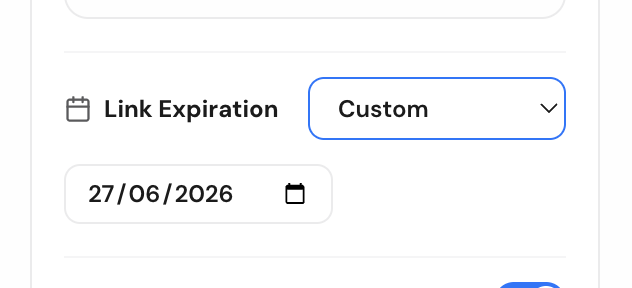
Link Expiry Control
Set a link to expire after a day, a week, or whatever window makes sense. Once it's gone, it's gone — no stale links floating around in old emails months later.

Comments for Feedback
Let people comment directly on the file instead of replying in a separate email thread. Feedback stays attached to exactly what it's about, so nothing gets lost translating between a file and a conversation.

Email-Gated Access
Restrict a file to specific people by email. They'll get a magic link to sign in and view it — no password to share, no guessing who actually opened your file.

No Signup Required
Share a file in seconds without creating an account. Drop it, get your link, send it — sign up later only if you want to manage files long-term.
Frequently Asked Questions
Are custom formatting styles preserved in the RTF viewer?
Yes, ShareOtter processes the rich text styles, bolding, italics, tables, and spacing defined inside the RTF file to display a clean web preview.
How do I share a rtf document using ShareOtter?
You can simply drag and drop your rtf file onto the Dropzone on top of this page. You can also click the Dropzone to open the file picker.
How long will my rtf document be available online?
Your rtf document will be available for 24 hours after the upload. If you want to save it longer, you will need to sign up for an account.
Can I password protect my rtf document files?
Yes, you can password protect your rtf document files. People you share the file with will need to enter the password to view or download it.
Does ShareOtter support other document formats besides rtf?
Yes, ShareOtter supports a wide range of document formats, including .pages, .docx, .doc, .rtf, .odt, .wpd, .wps, .jtd, .jtt, .pdf, .epdf, .tex, .mml, .uof, .uot, .sdw, .sxw, .ps, .ps2, .ps3, .djvu, .pcl, .man, .zip formats. Each format gets its own optimized viewing experience.
Can I use ShareOtter for business or personal use?
ShareOtter is perfect for both business and personal use. Whether you're sharing marketing videos, client presentations, educational content, or personal projects, ShareOtter provides a professional way to share your files.
Do I need any technical skills to use ShareOtter?
No technical skills are required. ShareOtter is designed for ease of use. Just drag and drop your file, customize your page settings, and share the link—no coding or server management needed.