Share ODP Presentations Online for Free
Share ODP files online with ShareOtter. Instant links, password protection, and expiry control. No account, no hassle.
Drop files or folders to start sharing
or click to select files or upload a folder
Supported File Types
ShareOtter supports almost everything you throw at it.
Images
Audio
Video
Font
Document
eBooks
Presentation
Code
Spreadsheets
CAD
What is a odp file?
ODP stands for OpenDocument Presentation. It’s the open-source alternative to PowerPoint’s PPTX format, and it’s been the default presentation file type for LibreOffice and Apache OpenOffice since the late 1990s.
The format came out of the OpenDocument suite alongside ODS for spreadsheets and ODT for word processing. OpenOffice originally developed it, but when OpenOffice was eventually discontinued, LibreOffice picked up the torch and has been actively developing and improving ODP ever since. Open-source means no licensing fees, no vendor lock-in, and no dependency on Microsoft.
ODP files hold everything a presentation needs. Slides, text, images, video, animations, transitions. The structure is similar to PPTX under the hood, which is why cross-app compatibility is generally solid. PowerPoint, Google Slides, LibreOffice, and Apache OpenOffice can all open ODP files. It works across Windows, Mac, Linux, iOS, and Android too.
The practical limitation is perception rather than compatibility. In most business environments, PPTX is the expected format. Sending an ODP file to a colleague or client who lives in Microsoft Office can occasionally cause formatting shifts, and it can raise an eyebrow or two simply because it’s unfamiliar. The file works fine. It just isn’t what most offices default to.
ShareOtter removes that friction entirely. Share your ODP presentation with a link and recipients can view every slide cleanly in their browser, no LibreOffice installation, no format conversion, no compatibility questions.
Applications that open .odp files
If you prefer to view these files offline on your computer or mobile device, the following software tools are recommended:
How to Share odp Presentations Online
Three steps. No account, no software, no waiting around.
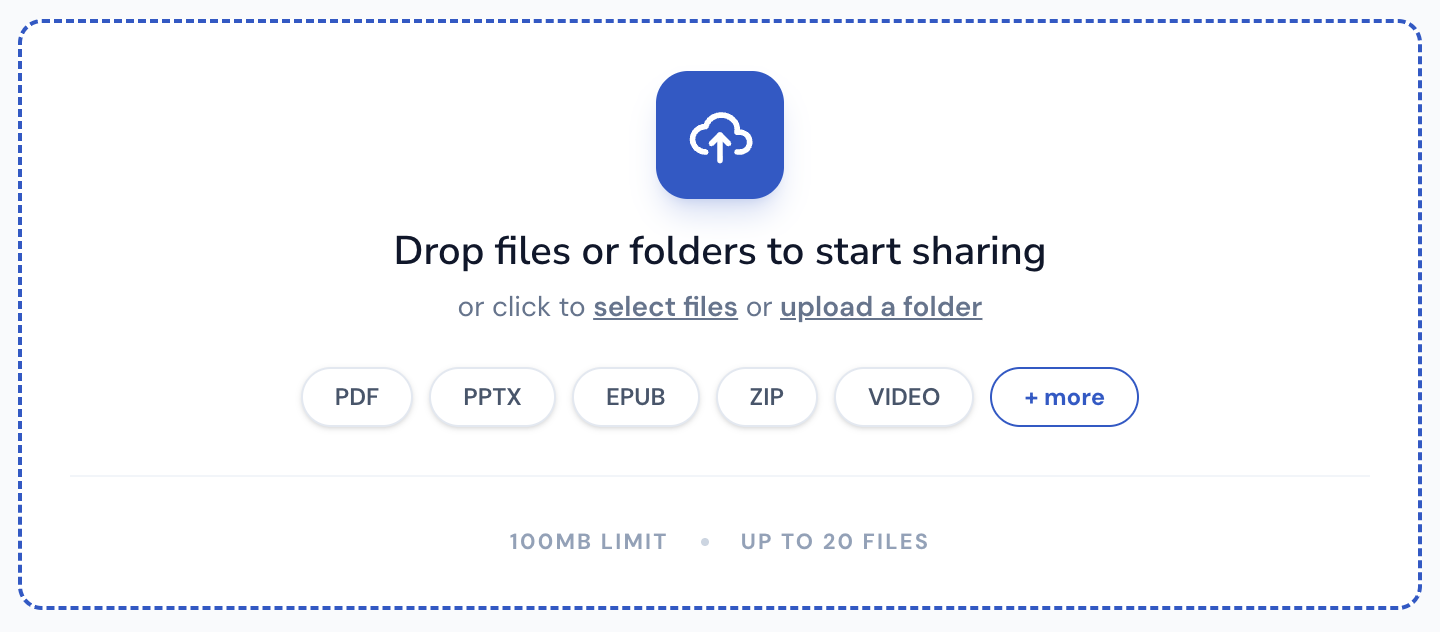
Select or Drop your File
Drag your ODP into the upload box above, or click to browse. Either way works.
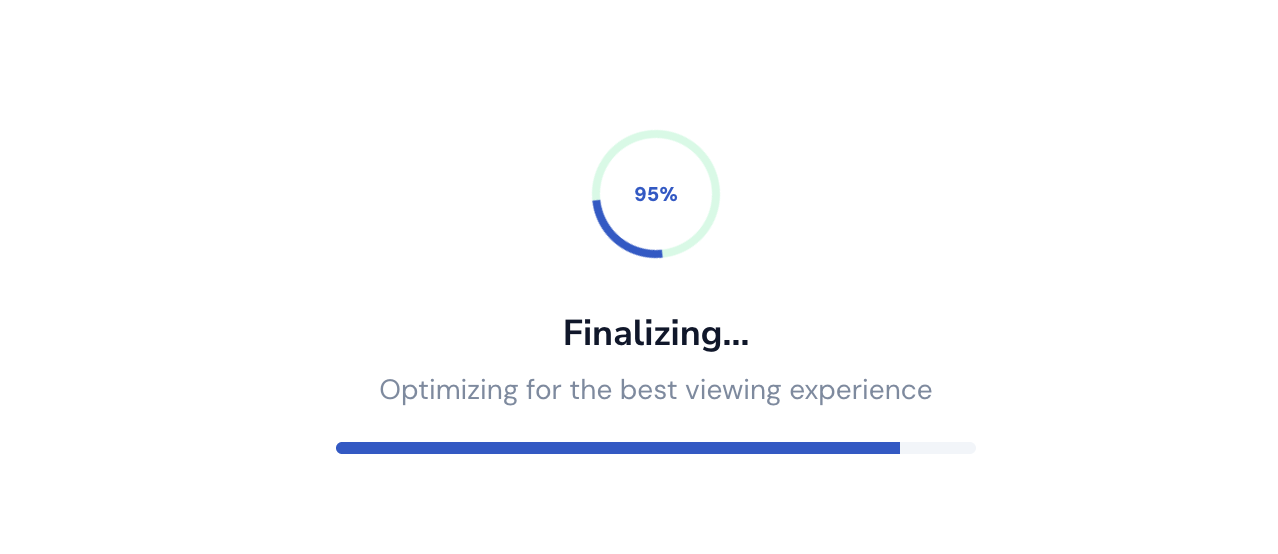
Let it upload
Watch the progress bar. Most ODP files are done in a few seconds. Bigger files can take a little longer.
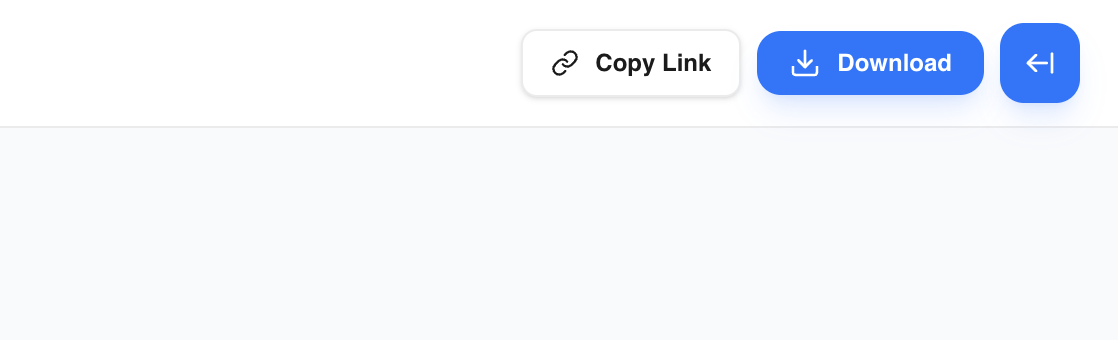
Copy your link
Done. Grab the link and send it anywhere. Slack, email, text, WhatsApp wherever your file needs to go.
Everything You Need to Share Files, Nothing You Don't
Sharing a file shouldn't mean losing control of it the moment you hit upload.
Instant Shareable Link
Upload once, get a link instantly. No waiting on emails to send, no attachment size limits bouncing your file back — just a clean URL you can paste anywhere, ready the second your upload finishes.
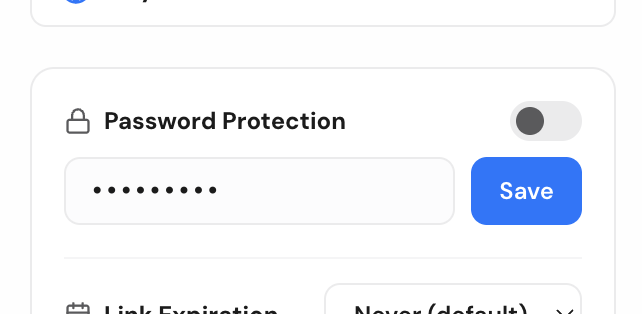
Password Protection
Lock any file behind a password before sharing. Only people with both the link and the password can open it, so sensitive files stay sensitive even if the link ends up somewhere you didn't intend.
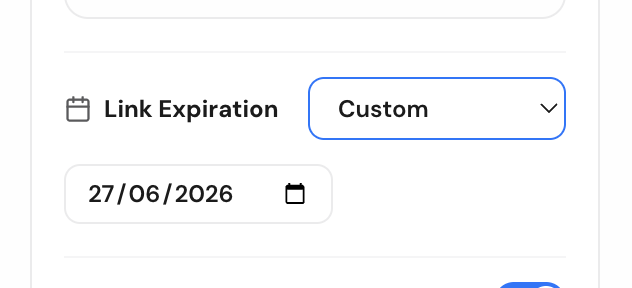
Link Expiry Control
Set a link to expire after a day, a week, or whatever window makes sense. Once it's gone, it's gone — no stale links floating around in old emails months later.
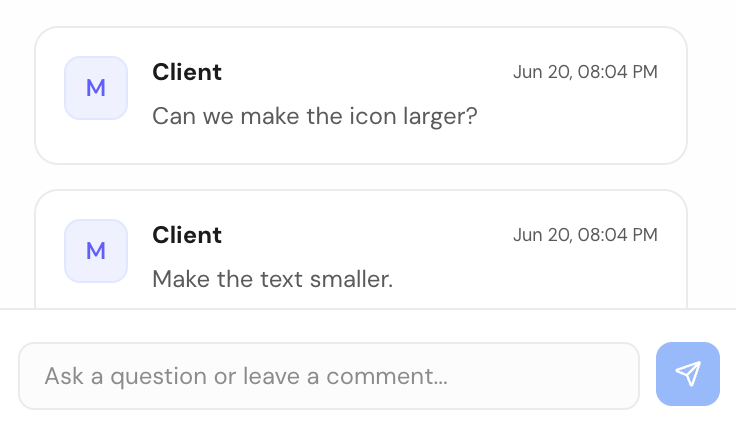
Comments for Feedback
Let people comment directly on the file instead of replying in a separate email thread. Feedback stays attached to exactly what it's about, so nothing gets lost translating between a file and a conversation.
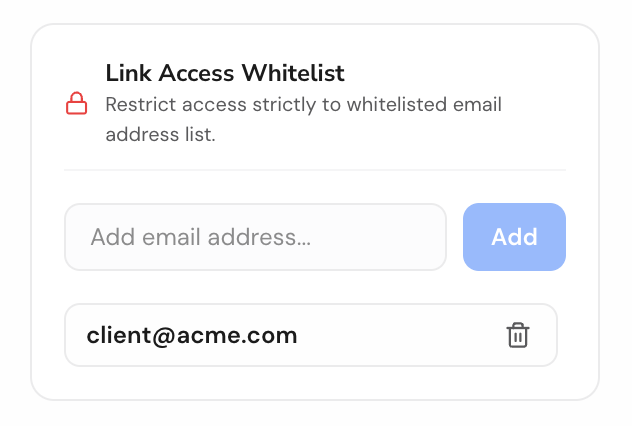
Email-Gated Access
Restrict a file to specific people by email. They'll get a magic link to sign in and view it — no password to share, no guessing who actually opened your file.
No Signup Required
Share a file in seconds without creating an account. Drop it, get your link, send it — sign up later only if you want to manage files long-term.
Frequently Asked Questions
Will my ODP slides display correctly on mobile screens?
Yes, ShareOtter renders your ODP slides into a web-optimized viewer, ensuring that fonts, layouts, and shapes look crisp on both iOS and Android devices.
How do I share a odp presentation using ShareOtter?
You can simply drag and drop your odp file onto the Dropzone on top of this page. You can also click the Dropzone to open the file picker.
How long will my odp presentation be available online?
Your odp presentation will be available for 24 hours after the upload. If you want to save it longer, you will need to sign up for an account.
Can I password protect my odp presentation files?
Yes, you can password protect your odp presentation files. People you share the file with will need to enter the password to view or download it.
Does ShareOtter support other presentation formats besides odp?
Yes, ShareOtter supports a wide range of presentation formats, including .odp, .otp, .pot, .pps, .ppsx, .ppt, .pptx, .sdd, .sti, .sx, .uop, .sxi formats. Each format gets its own optimized viewing experience.
Can I use ShareOtter for business or personal use?
ShareOtter is perfect for both business and personal use. Whether you're sharing marketing videos, client presentations, educational content, or personal projects, ShareOtter provides a professional way to share your files.
Do I need any technical skills to use ShareOtter?
No technical skills are required. ShareOtter is designed for ease of use. Just drag and drop your file, customize your page settings, and share the link—no coding or server management needed.