Share HPGL Plotter Files Online for Free
Share HPGL files online with ShareOtter. Instant links, password protection, and expiry control. No account, no hassle.
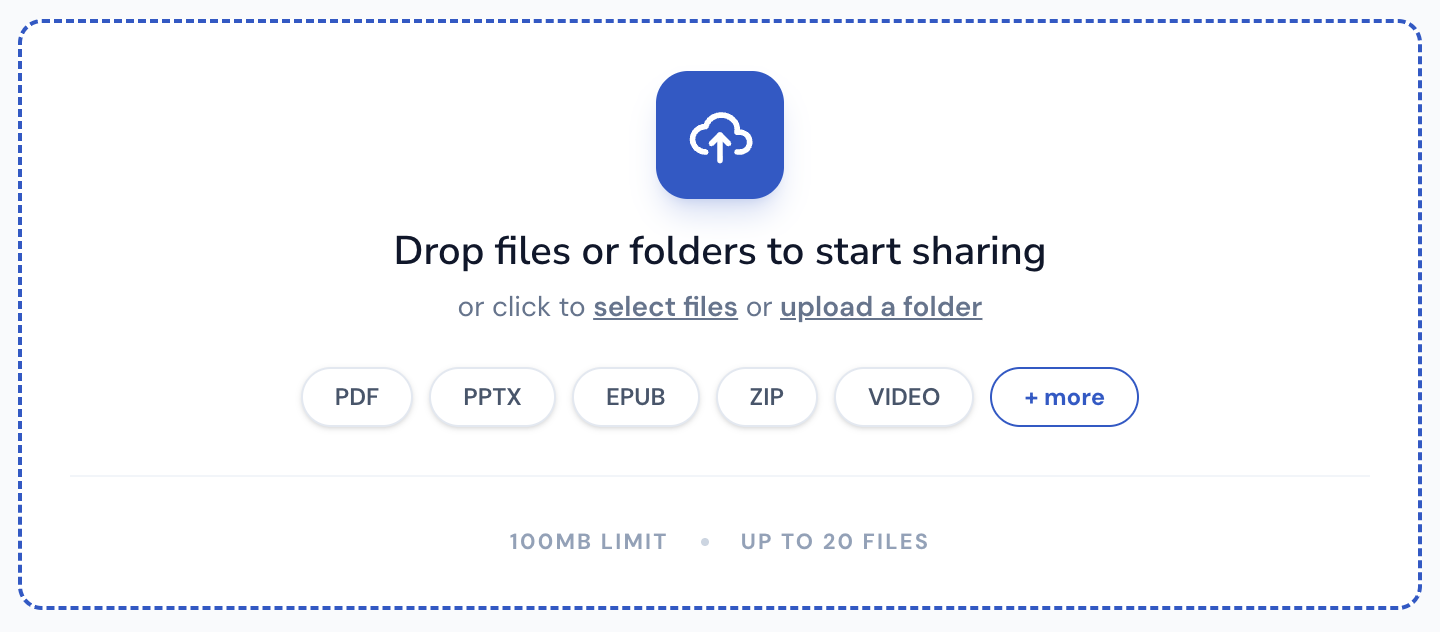
Drop files or folders to start sharing
or click to select files or upload a folder
Supported File Types
ShareOtter supports almost everything you throw at it.
Images
Audio
Video
Font
Document
eBooks
Presentation
Code
Spreadsheets
CAD
What is a hpgl file?
HPGL stands for Hewlett-Packard Graphics Language. HP introduced it in 1977 alongside the HP-9872 plotter, and it became the standard control language for pen plotters almost immediately. It’s been around for nearly fifty years and is still actively used in industries that haven’t changed much since then.
The format is built from simple two-letter commands followed by coordinate parameters. Pen up, pen down, draw a line, draw an arc. Everything is a vector instruction telling the plotter exactly where to move and when to draw. No pixels, no raster data, just precise geometric commands the machine executes directly. An arc, for example, is a single line: center coordinates, starting angle, how far to sweep.
That simplicity is why HPGL stuck around. CAM software, vinyl cutters, laser engravers, and CNC plotting machinery still speak HPGL because the format maps cleanly to how those machines physically operate. Modern printers typically support HP-GL/2, the updated version, alongside newer formats. For technical drafting and fabrication workflows, HPGL remains the lingua franca.
The problem is that HPGL files are low-level machine instructions, not viewable documents. Standard image viewers, browsers, and design tools can’t open them. Reviewing a plotter layout means either having the right CAD software, a physical plotter connection, or converting the file to something more accessible first.
ShareOtter converts HPGL files into browser-renderable vector graphics. Share your plotter layouts and recipients can inspect lines, zoom into vertices, and review the design instantly in any browser without CAD licenses or specialist software.
Applications that open .hpgl files
If you prefer to view these files offline on your computer or mobile device, the following software tools are recommended:
How to Share hpgl CADs Online
Three steps. No account, no software, no waiting around.
Select or Drop your File
Drag your HPGL into the upload box above, or click to browse. Either way works.
Let it upload
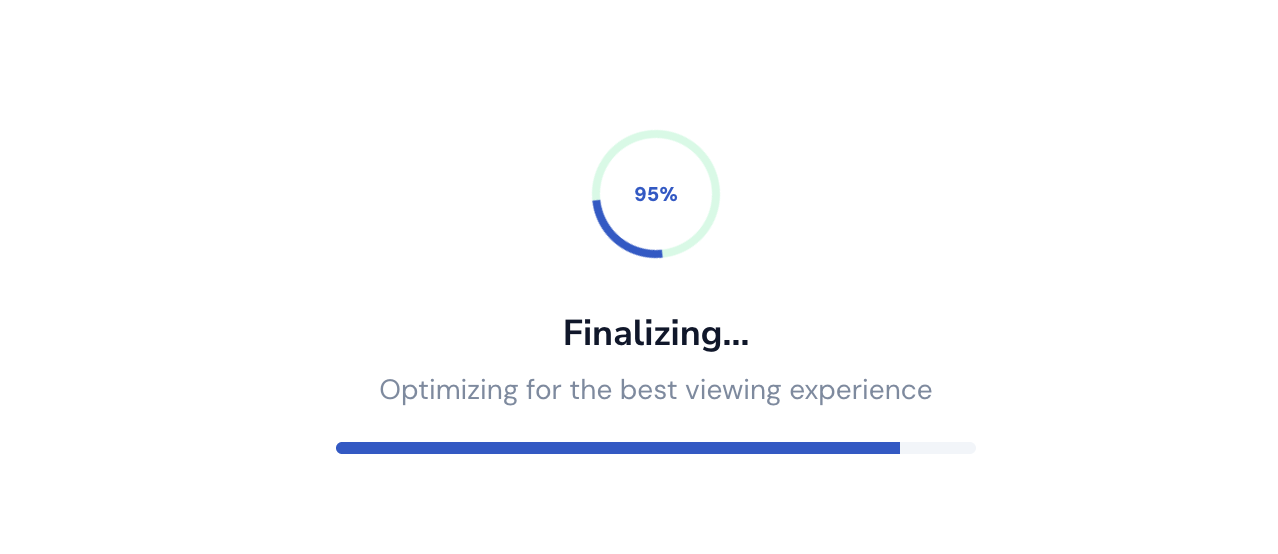
Watch the progress bar. Most HPGL files are done in a few seconds. Bigger files can take a little longer.
Copy your link
Done. Grab the link and send it anywhere. Slack, email, text, WhatsApp wherever your file needs to go.

Everything You Need to Share Files, Nothing You Don't
Sharing a file shouldn't mean losing control of it the moment you hit upload.

Instant Shareable Link
Upload once, get a link instantly. No waiting on emails to send, no attachment size limits bouncing your file back — just a clean URL you can paste anywhere, ready the second your upload finishes.
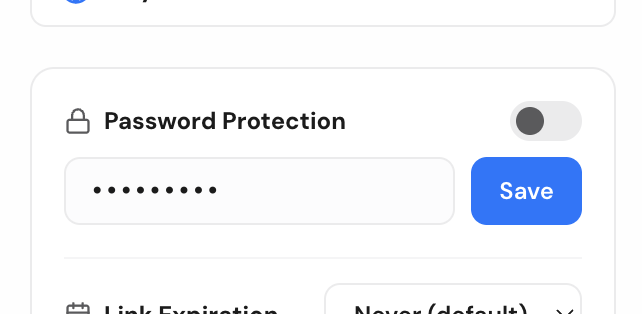
Password Protection
Lock any file behind a password before sharing. Only people with both the link and the password can open it, so sensitive files stay sensitive even if the link ends up somewhere you didn't intend.
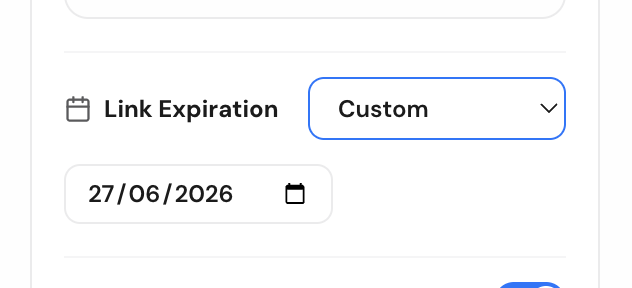
Link Expiry Control
Set a link to expire after a day, a week, or whatever window makes sense. Once it's gone, it's gone — no stale links floating around in old emails months later.
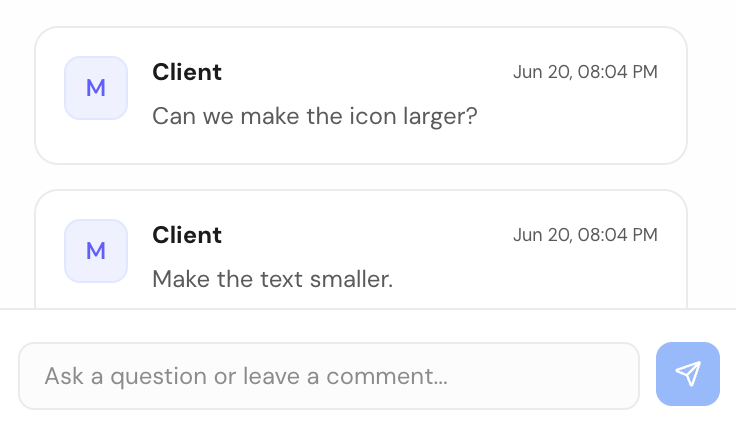
Comments for Feedback
Let people comment directly on the file instead of replying in a separate email thread. Feedback stays attached to exactly what it's about, so nothing gets lost translating between a file and a conversation.
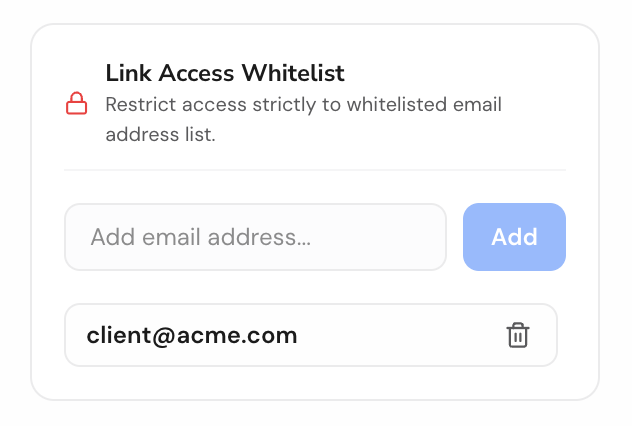
Email-Gated Access
Restrict a file to specific people by email. They'll get a magic link to sign in and view it — no password to share, no guessing who actually opened your file.

No Signup Required
Share a file in seconds without creating an account. Drop it, get your link, send it — sign up later only if you want to manage files long-term.