Share AutoCAD DWG Drawings Online for Free
Share DWG, DXF files online with ShareOtter. Instant links, password protection, and expiry control. No account, no hassle.
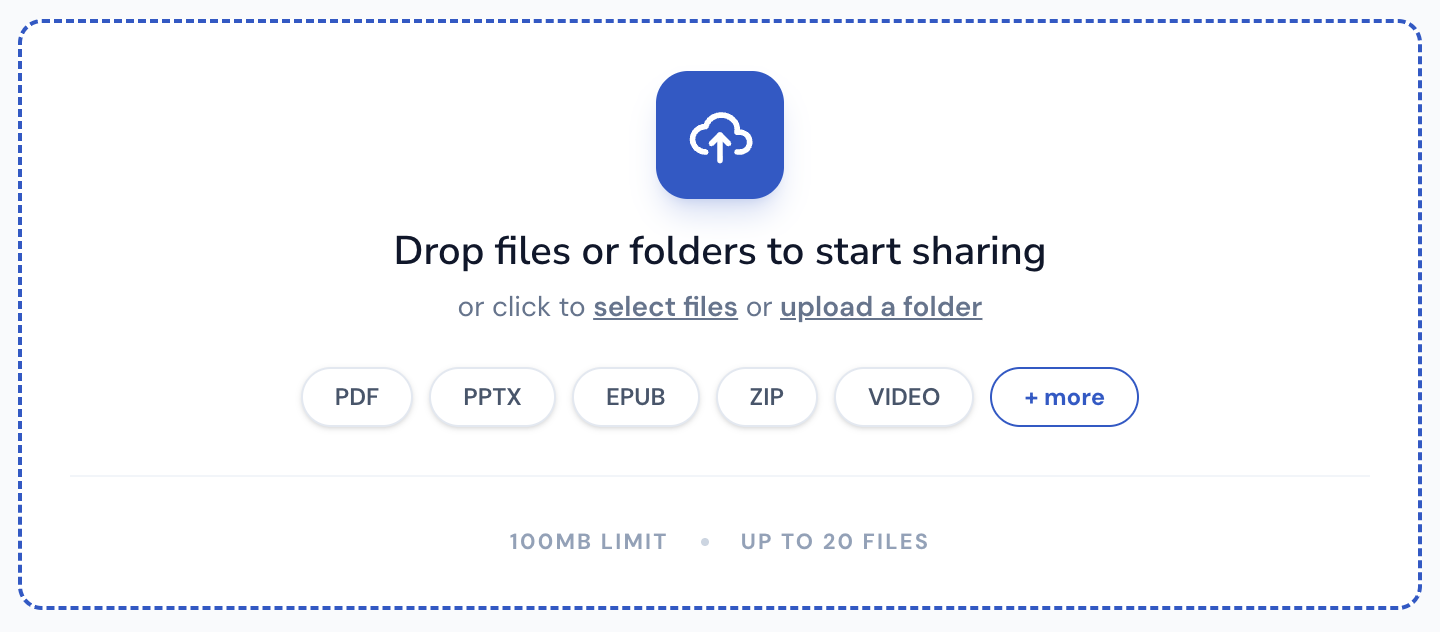
Drop files or folders to start sharing
or click to select files or upload a folder
Supported File Types
ShareOtter supports almost everything you throw at it.
Images
Audio
Video
Font
Document
eBooks
Presentation
Code
Spreadsheets
CAD
What is a dwg file?
DWG stands for drawing — literally. It’s the native file format for AutoCAD, Autodesk’s CAD software, and has been the industry standard for technical drawings since the early 1980s. Architects, engineers, and drafters use it to build detailed 2D and 3D designs from the ground up.
Inside a DWG file is vector geometry, metadata, layers, and technical specs. Lots of them. The binary format keeps file sizes compact, which is part of why it became the default across industries that regularly deal with massive, complex blueprints.
The catch is access. Opening a DWG file requires CAD software. AutoCAD licenses aren’t cheap, and most clients, stakeholders, or collaborators outside your immediate team won’t have one. That makes sharing DWG files for review a friction point that’s been annoying the industry for decades.
DWG has also evolved a lot over the years, which created a version compatibility problem. Newer DWG files don’t always open cleanly in older software. That’s worth knowing if you’re working across teams using different versions of AutoCAD or third-party CAD tools.
For professionals who need to share drawings without forcing recipients to install expensive software, ShareOtter converts DWG files into a browser-friendly format. Clients can view the blueprint, zoom into details, and pan across the geometry on any device. No plugins, no CAD license, no back-and-forth about which viewer to download.
Applications that open .dwg files
If you prefer to view these files offline on your computer or mobile device, the following software tools are recommended:
How to Share dwg CADs Online
Three steps. No account, no software, no waiting around.
Select or Drop your File
Drag your DWG into the upload box above, or click to browse. Either way works.
Let it upload
Watch the progress bar. Most DWG files are done in a few seconds. Bigger files can take a little longer.

Copy your link
Done. Grab the link and send it anywhere. Slack, email, text, WhatsApp wherever your file needs to go.

Everything You Need to Share Files, Nothing You Don't
Sharing a file shouldn't mean losing control of it the moment you hit upload.

Instant Shareable Link
Upload once, get a link instantly. No waiting on emails to send, no attachment size limits bouncing your file back — just a clean URL you can paste anywhere, ready the second your upload finishes.
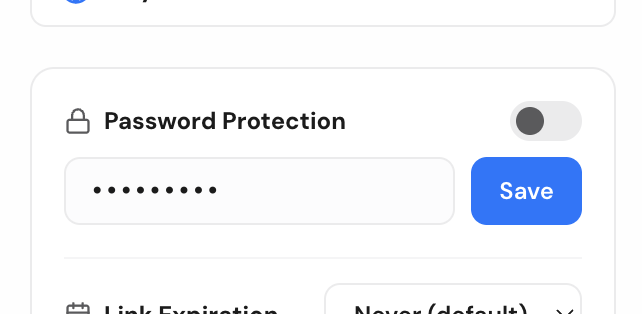
Password Protection
Lock any file behind a password before sharing. Only people with both the link and the password can open it, so sensitive files stay sensitive even if the link ends up somewhere you didn't intend.
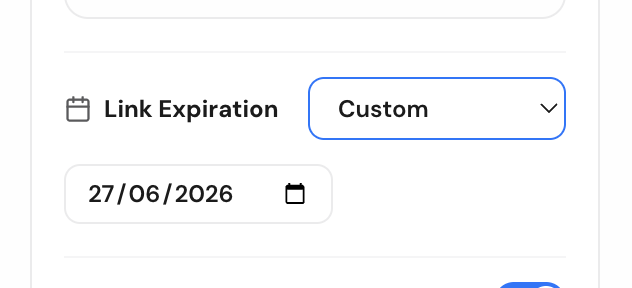
Link Expiry Control
Set a link to expire after a day, a week, or whatever window makes sense. Once it's gone, it's gone — no stale links floating around in old emails months later.
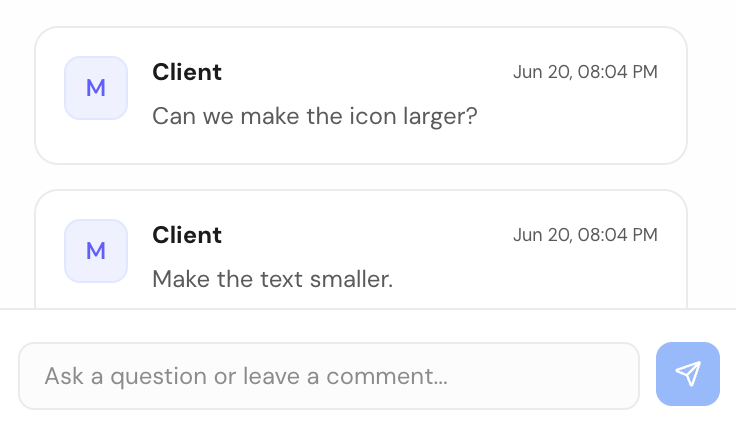
Comments for Feedback
Let people comment directly on the file instead of replying in a separate email thread. Feedback stays attached to exactly what it's about, so nothing gets lost translating between a file and a conversation.
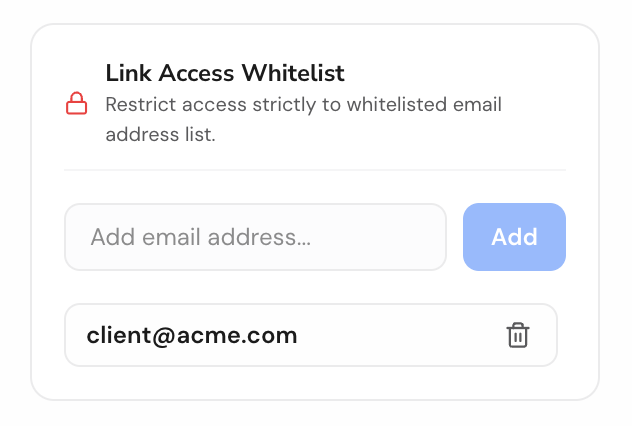
Email-Gated Access
Restrict a file to specific people by email. They'll get a magic link to sign in and view it — no password to share, no guessing who actually opened your file.

No Signup Required
Share a file in seconds without creating an account. Drop it, get your link, send it — sign up later only if you want to manage files long-term.