Share Kindle eBooks Online for Free
Share AZW, AZW3, AZW4 files online with ShareOtter. Instant links, password protection, and expiry control. No account, no hassle.
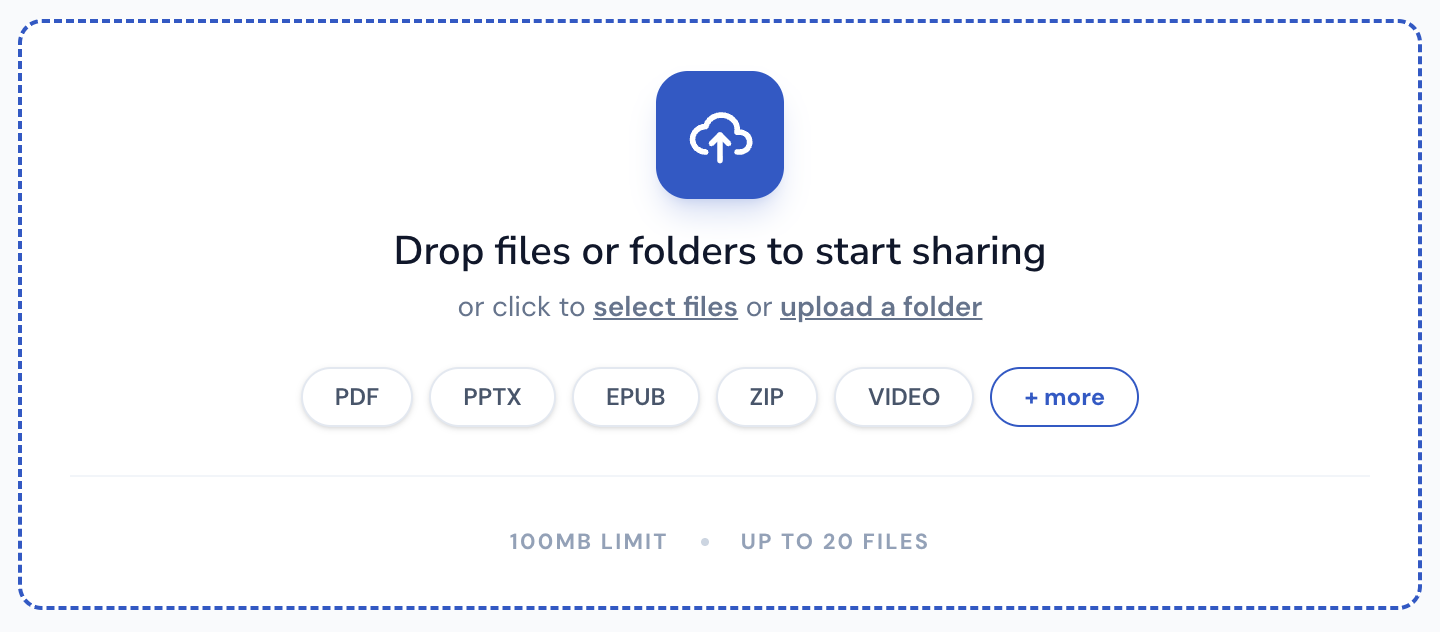
Drop files or folders to start sharing
or click to select files or upload a folder
Supported File Types
ShareOtter supports almost everything you throw at it.
Images
Audio
Video
Font
Document
eBooks
Presentation
Code
Spreadsheets
CAD
What is a azw file?
AZW is Amazon’s proprietary eBook format, built specifically for Kindle devices and the Kindle app. It’s based on the older MOBI format but with better compression and Amazon’s own DRM baked in. If you’ve ever bought a Kindle book, it almost certainly landed on your device as an AZW file.
The format does what Kindle needs it to do well. Bookmarks, annotations, last-read positions, built-in dictionary lookups. It’s optimized for reading, not for sharing. That’s the tradeoff.
That DRM is the catch. Most AZW files purchased through Amazon are locked to your specific account. You can’t just send one to a friend or open it in a different app. It lives in the Kindle ecosystem and largely stays there. Un-DRMed AZW files (think manuscripts, review copies, self-published drafts) are more flexible and can be managed with tools like Calibre or converted to EPUB or PDF for reading elsewhere.
There are also a couple of variants worth knowing. AZW3 is the newer version with better formatting support. AZW4 is used for PDF-style fixed-layout content. Most people just call all of them “Kindle files” without thinking twice about which version they’re dealing with.
If you’re an indie author, publisher, or beta reader sharing manuscripts outside the Kindle ecosystem, AZW files can be a headache for anyone without a Kindle or the app installed. That’s exactly the gap ShareOtter fills — recipients can read your AZW files directly in the browser, no app, no device, no friction.
Applications that open .azw files
If you prefer to view these files offline on your computer or mobile device, the following software tools are recommended:
How to Share azw eBooks Online
Three steps. No account, no software, no waiting around.
Select or Drop your File
Drag your AZW into the upload box above, or click to browse. Either way works.
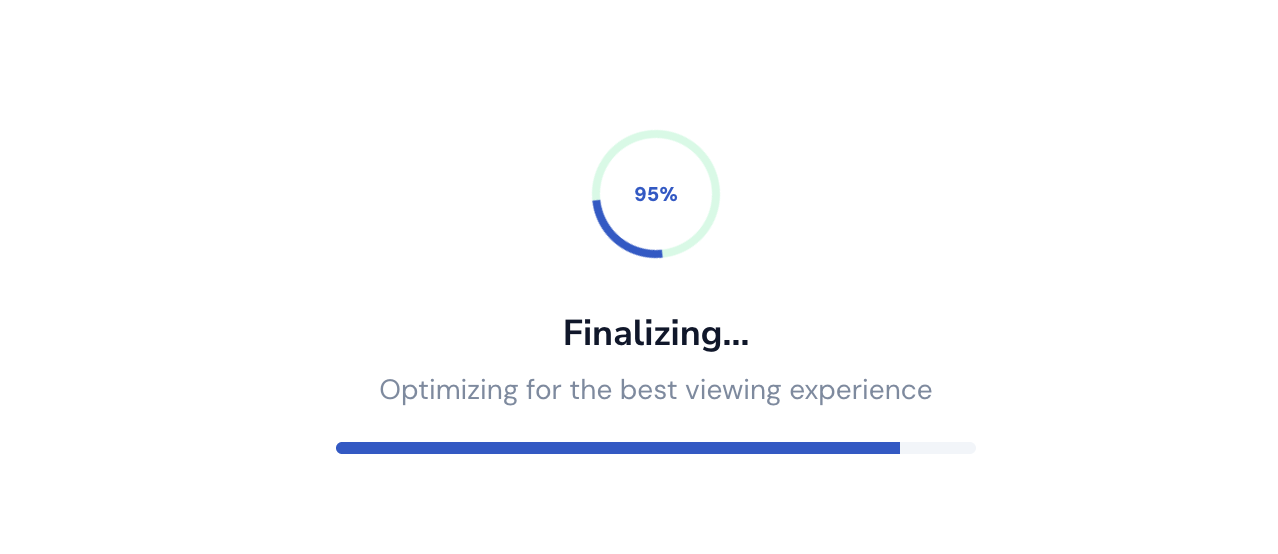
Let it upload
Watch the progress bar. Most AZW files are done in a few seconds. Bigger files can take a little longer.
Copy your link
Done. Grab the link and send it anywhere. Slack, email, text, WhatsApp wherever your file needs to go.

Everything You Need to Share Files, Nothing You Don't
Sharing a file shouldn't mean losing control of it the moment you hit upload.

Instant Shareable Link
Upload once, get a link instantly. No waiting on emails to send, no attachment size limits bouncing your file back — just a clean URL you can paste anywhere, ready the second your upload finishes.
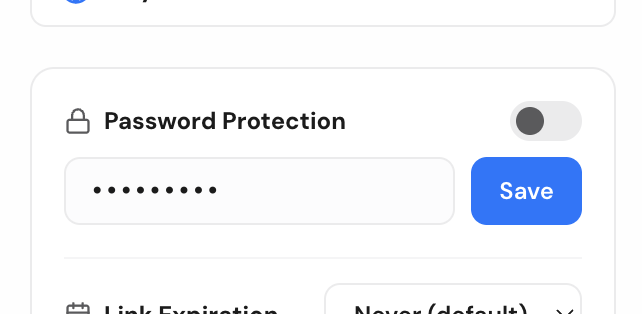
Password Protection
Lock any file behind a password before sharing. Only people with both the link and the password can open it, so sensitive files stay sensitive even if the link ends up somewhere you didn't intend.
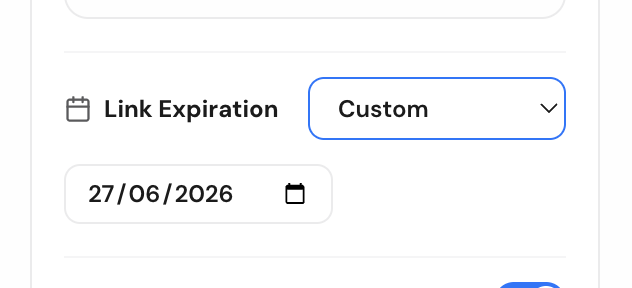
Link Expiry Control
Set a link to expire after a day, a week, or whatever window makes sense. Once it's gone, it's gone — no stale links floating around in old emails months later.
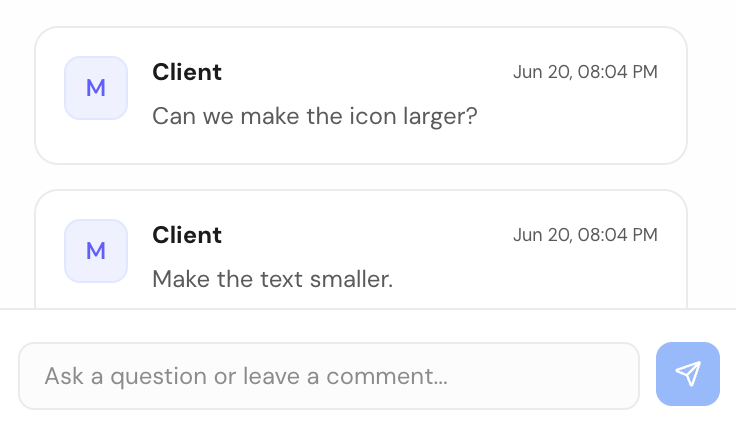
Comments for Feedback
Let people comment directly on the file instead of replying in a separate email thread. Feedback stays attached to exactly what it's about, so nothing gets lost translating between a file and a conversation.
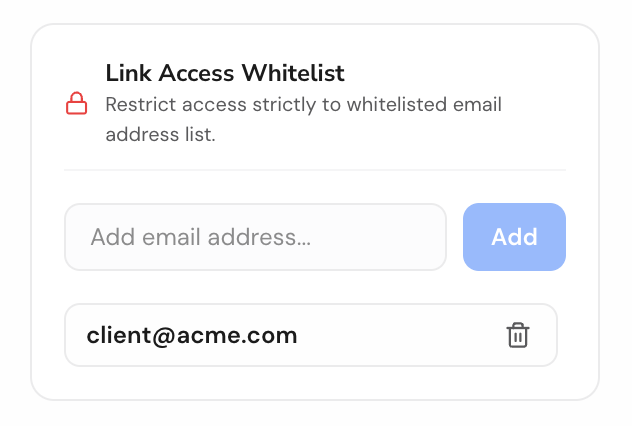
Email-Gated Access
Restrict a file to specific people by email. They'll get a magic link to sign in and view it — no password to share, no guessing who actually opened your file.

No Signup Required
Share a file in seconds without creating an account. Drop it, get your link, send it — sign up later only if you want to manage files long-term.
Frequently Asked Questions
Can I read DRM-protected AZW books on ShareOtter?
ShareOtter supports viewing DRM-free Kindle (.azw, .azw3) eBooks. If your book is locked with Digital Rights Management (DRM) by Amazon, you will need to open it inside official Kindle applications authorized with your Amazon credentials.
How do I share a azw ebook using ShareOtter?
You can simply drag and drop your azw file onto the Dropzone on top of this page. You can also click the Dropzone to open the file picker.
How long will my azw ebook be available online?
Your azw ebook will be available for 24 hours after the upload. If you want to save it longer, you will need to sign up for an account.
Can I password protect my azw ebook files?
Yes, you can password protect your azw ebook files. People you share the file with will need to enter the password to view or download it.
Does ShareOtter support other ebook formats besides azw?
Yes, ShareOtter supports a wide range of ebook formats, including .azw, .azw3, .azw4, .chm, .cbz, .cbr, .cb7, .cbc, .djvu, .epub, .fb2, .fbz, .kepub, .htmlz, .lit, .lrf, .lrs, .mobi, .pdb, .pml, .recipe, .rb, .snb, .tcr, .txtz, .prc, .tpz, .pmlz formats. Each format gets its own optimized viewing experience.
Can I use ShareOtter for business or personal use?
ShareOtter is perfect for both business and personal use. Whether you're sharing marketing videos, client presentations, educational content, or personal projects, ShareOtter provides a professional way to share your files.
Do I need any technical skills to use ShareOtter?
No technical skills are required. ShareOtter is designed for ease of use. Just drag and drop your file, customize your page settings, and share the link—no coding or server management needed.